
getting-google-ai-studio-api-key
Learn how to get a free Google AI Studio API Key and use it in OpenKoto.
Introduction
Google AI Studio provides free access to powerful Gemini models. This guide will show you how to obtain an API key and configure it in OpenKoto.
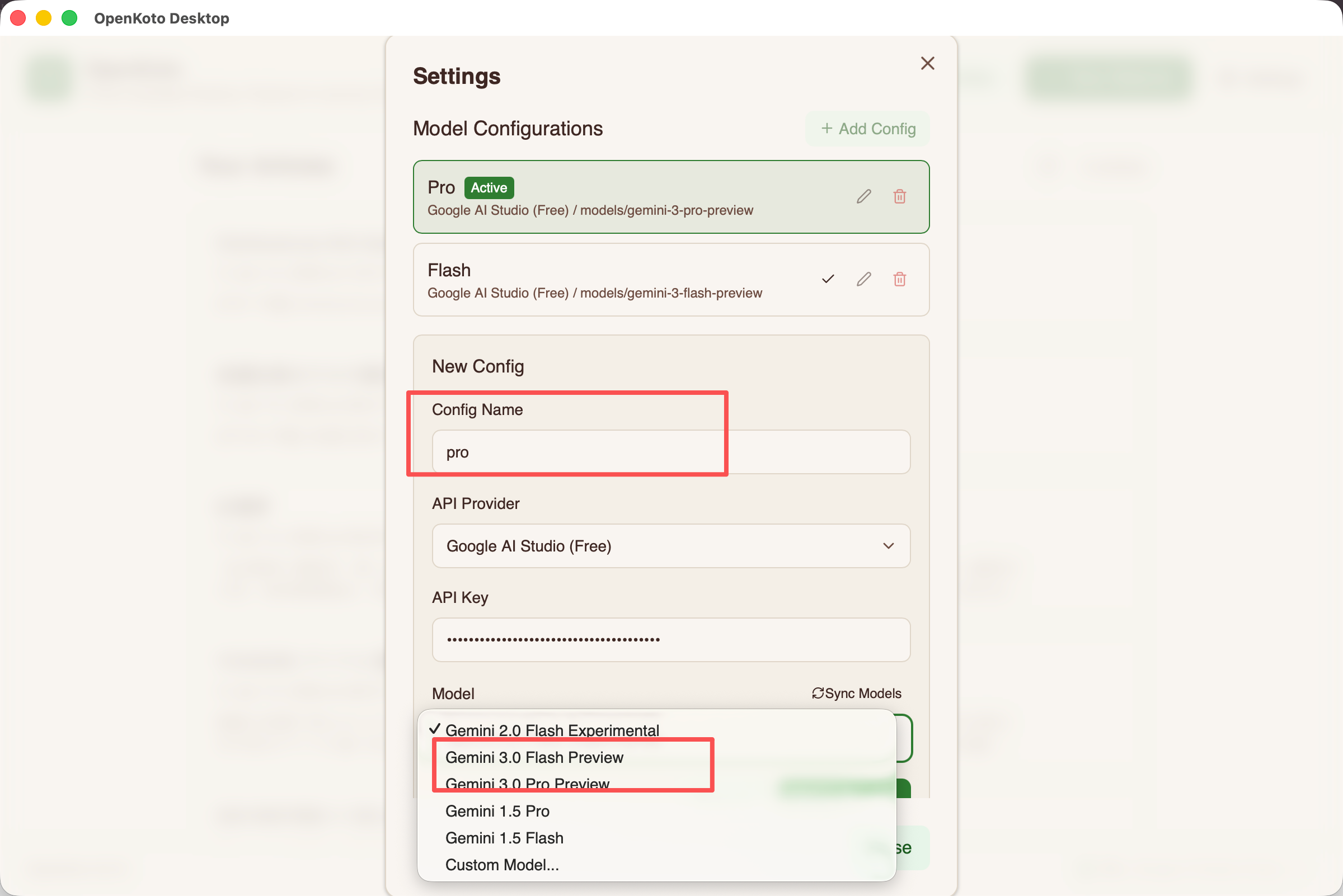
We recommend adding both Gemini 3 Pro and Gemini 3 Flash models to your system for the best experience.
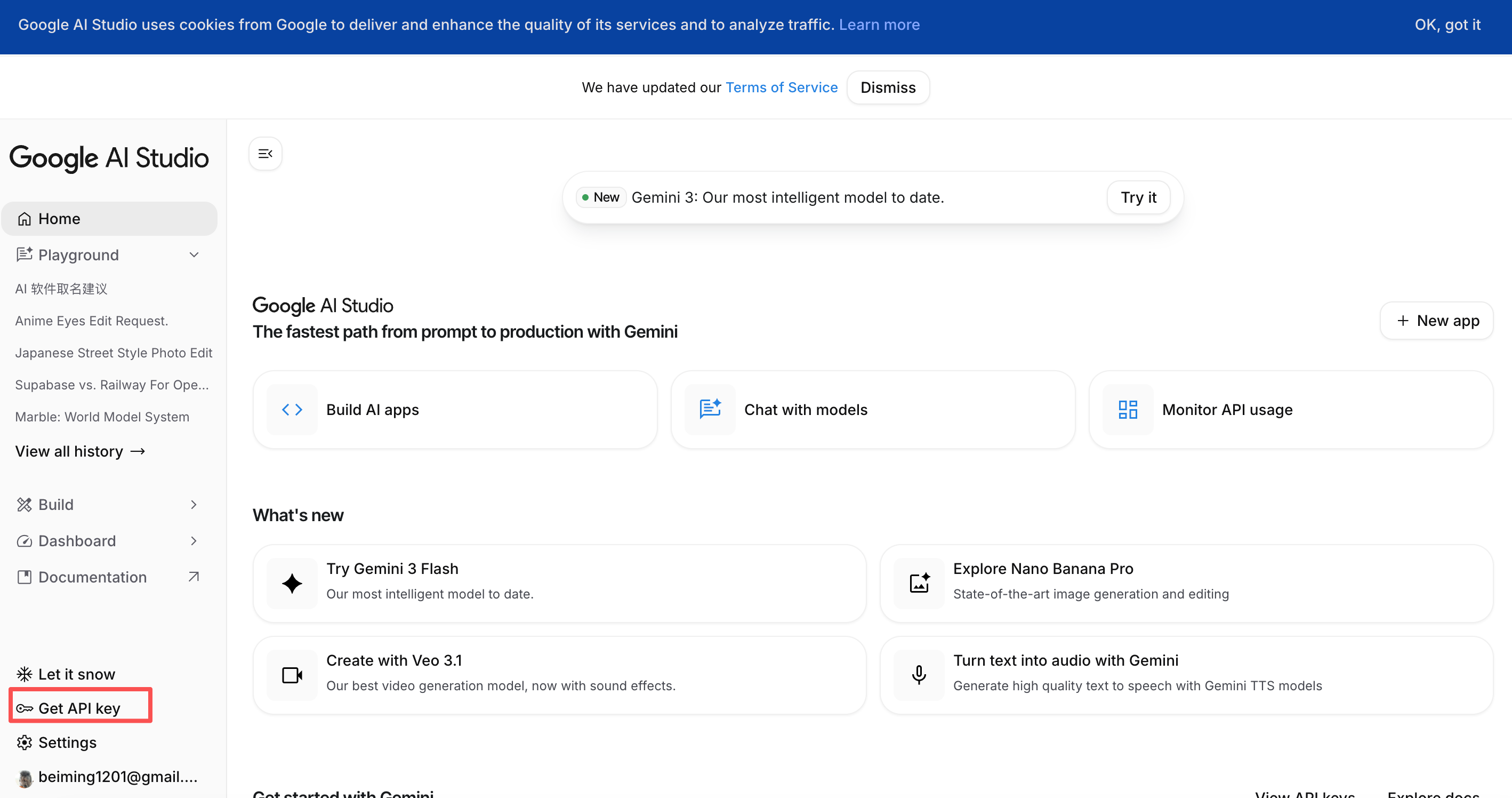
Step 1: Visit Google AI Studio
Go to Google AI Studio and log in with your Google account.
Step 2: Create an API Key
Click on the "Get API key" button on the top left or "Create API key" in the main view.
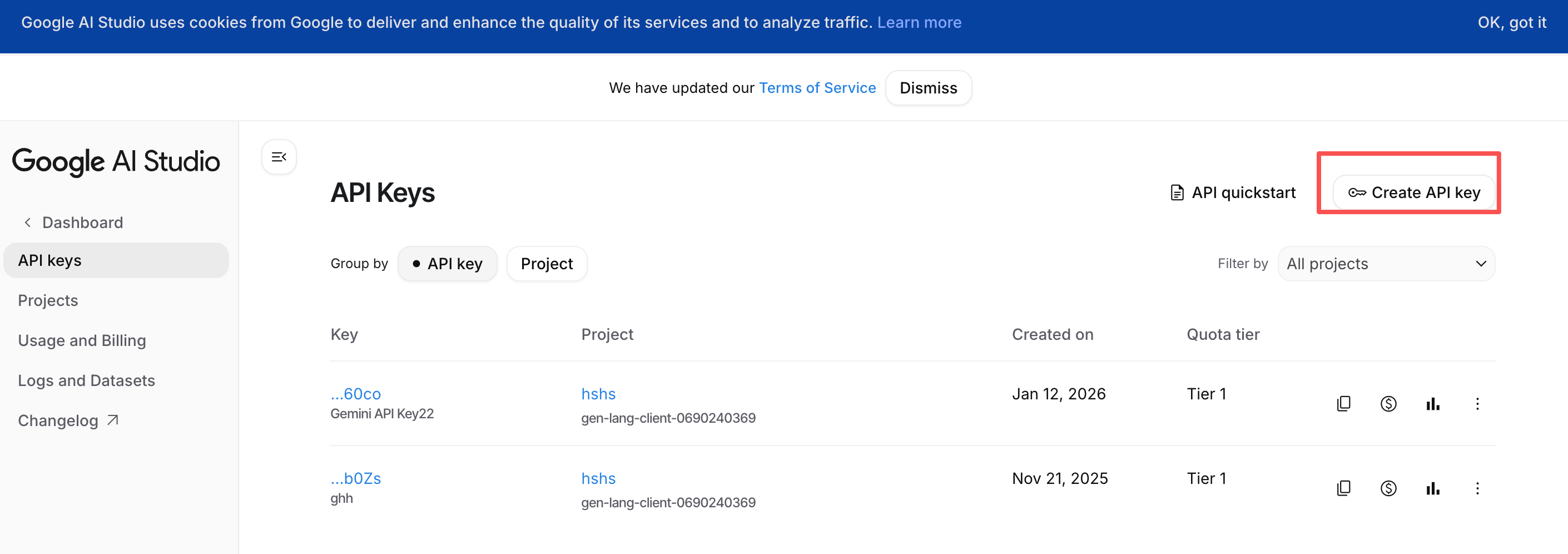
Select "Create API key in new project" if you don't have an existing project.
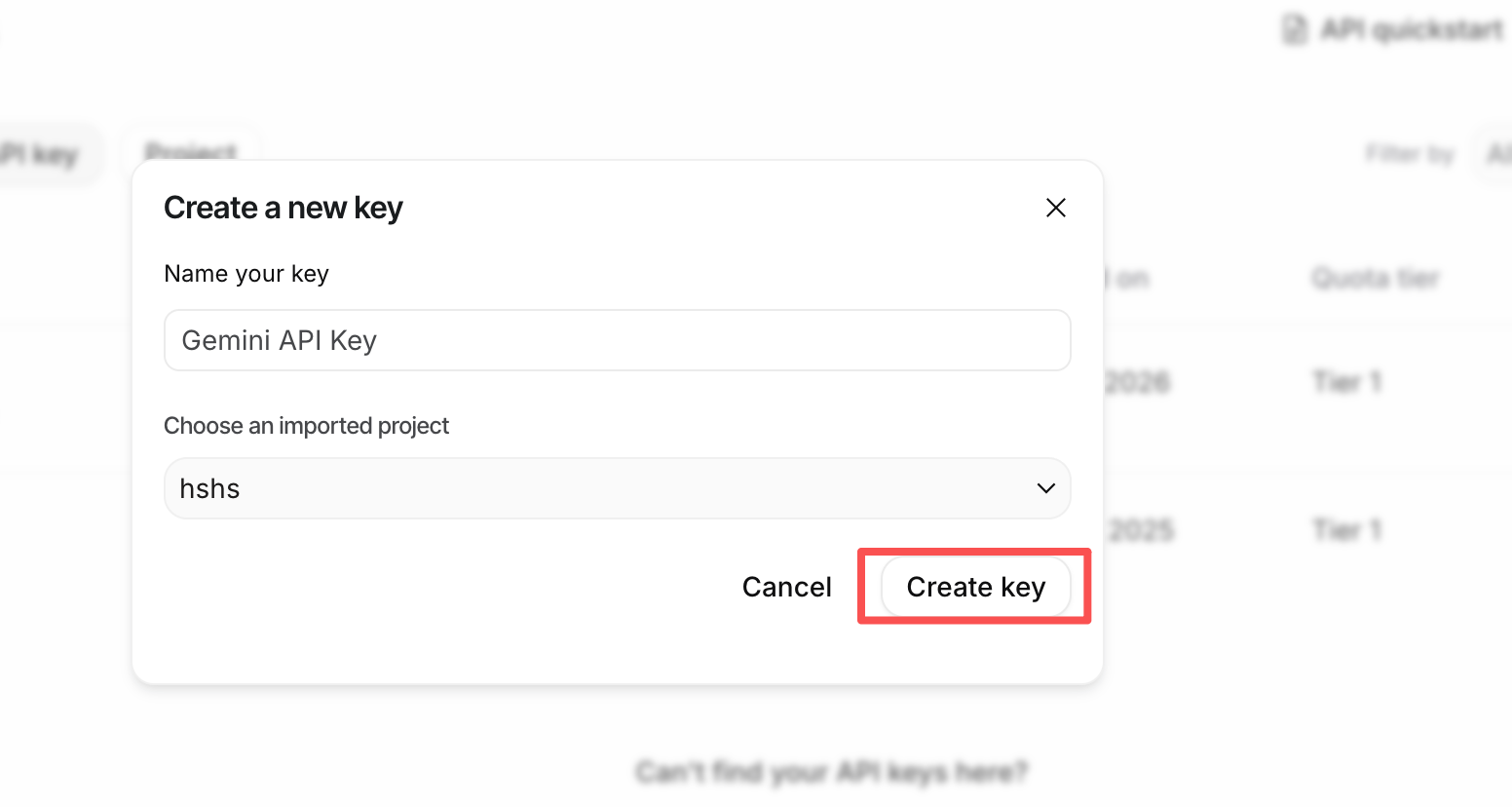
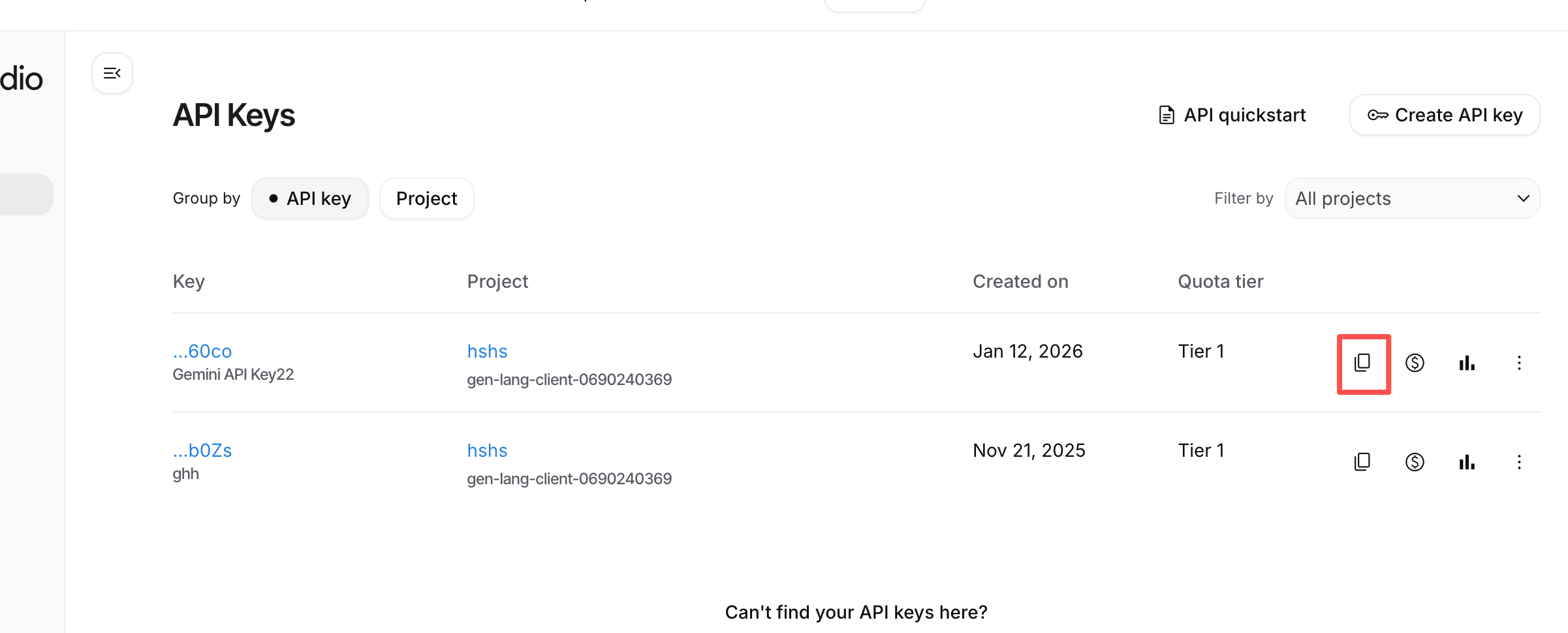
Step 3: Copy Your Key
Once generated, copy the API key effectively.
Step 4: Configure in OpenKoto
Open OpenKoto, navigate to Settings > Model Provider, and select Google AI Studio. Paste your API key.
Model Recommendations
We strongly suggest adding both main models to your configuration:
Gemini 3 Pro
- Best for: Complex tasks, deep reasoning, and long context understanding.
- Use cases: Long video analysis, complex problem solving, detailed study sessions.
Gemini 3 Flash
- Best for: Speed and efficiency.
- Use cases: Daily reading (articles, papers, novels), quick translations, and summaries.