
getting-kimi-k2-api-key
Learn how to get a Kimi K2.5 API Key and use it in OpenKoto.
Introduction
Kimi K2.5 is an advanced AI model developed by Moonshot AI. This guide will show you how to obtain an API key and configure it in OpenKoto.
Step 1: Visit Moonshot Platform
Go to Moonshot Platform and click on the login button.
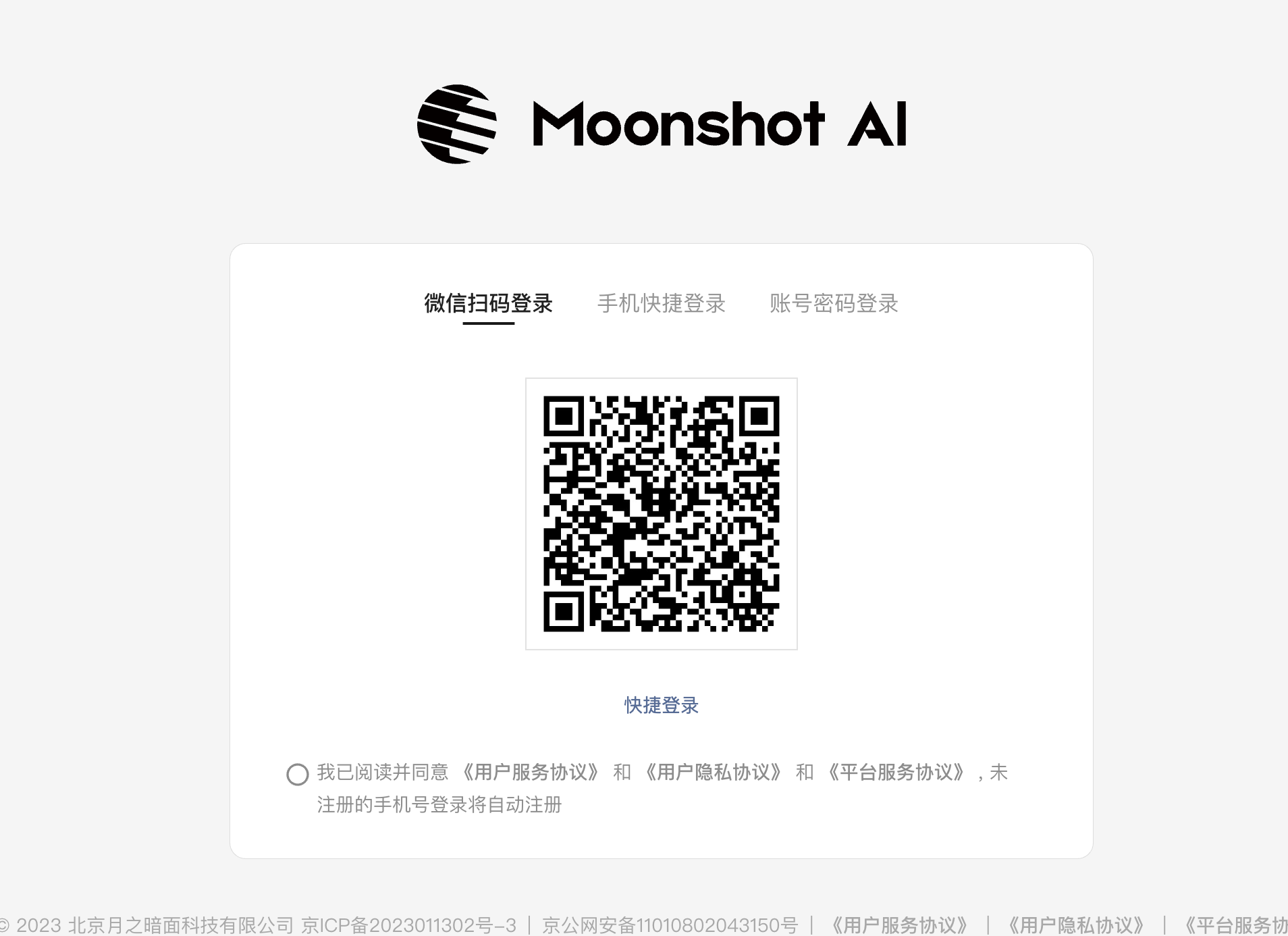
Step 2: Access the Console
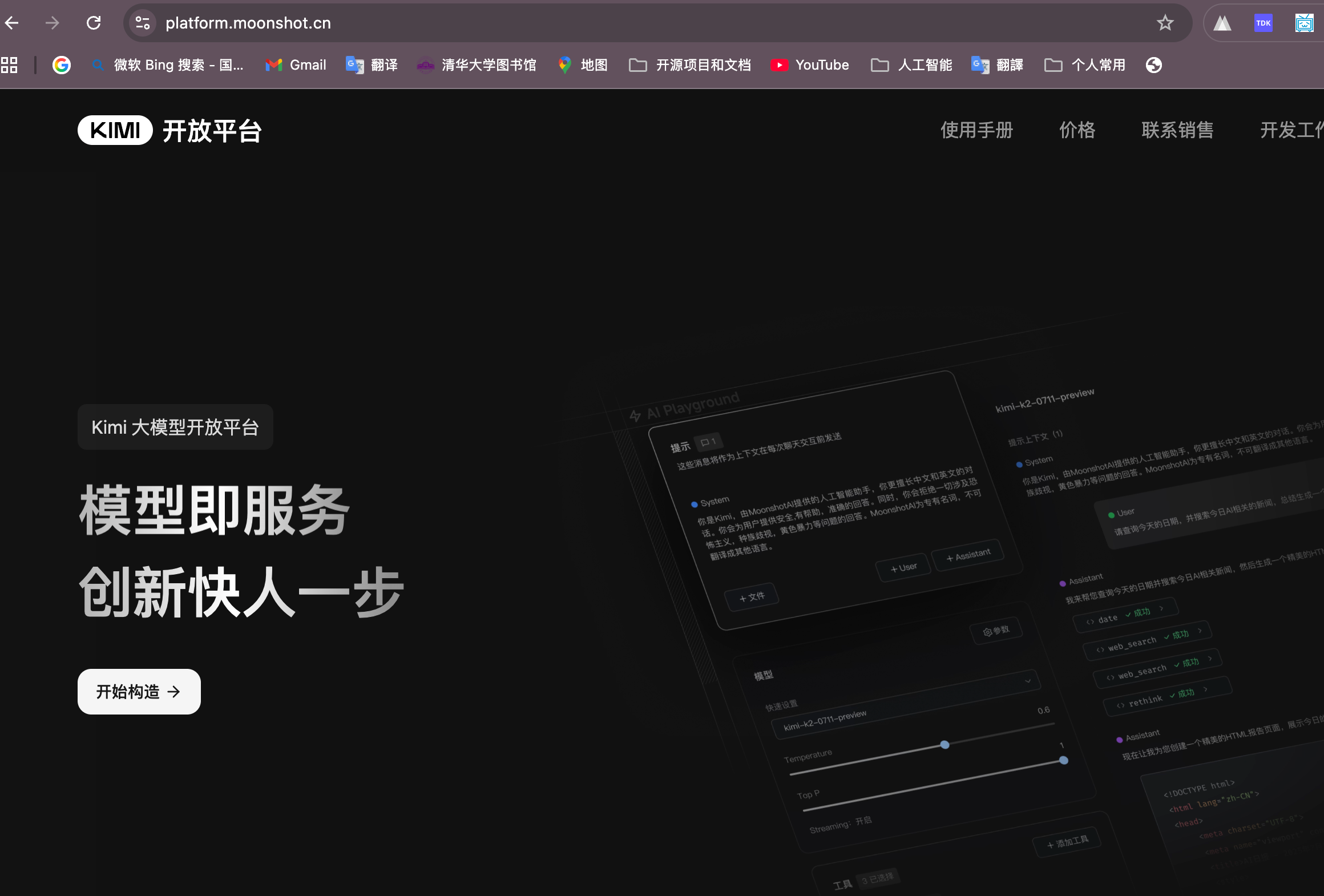
After logging in, you will see the Moonshot developer platform homepage.
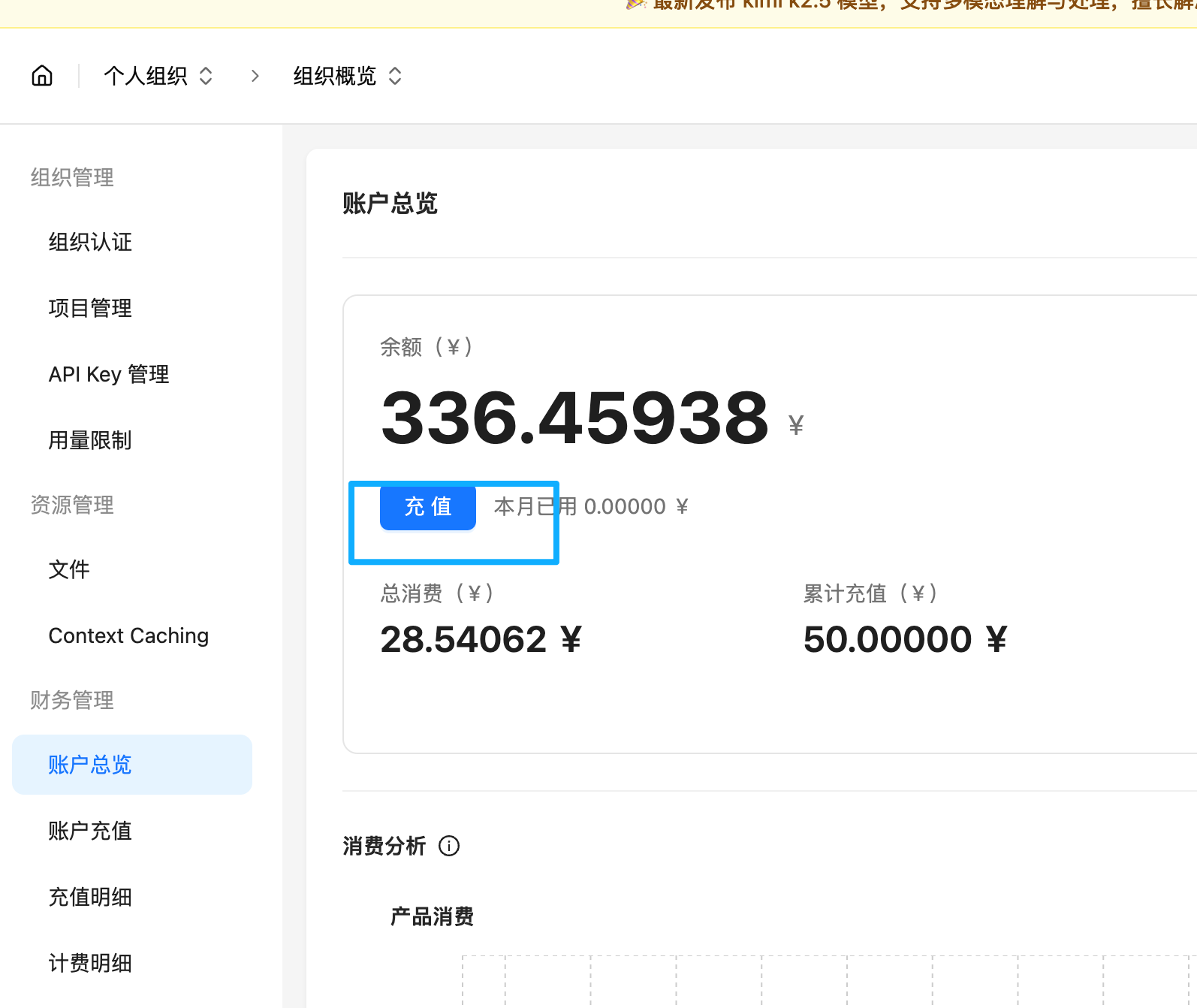
Step 3: Top Up Your Account
Before creating an API key, you need to add credits to your account. Navigate to the billing section and add funds.
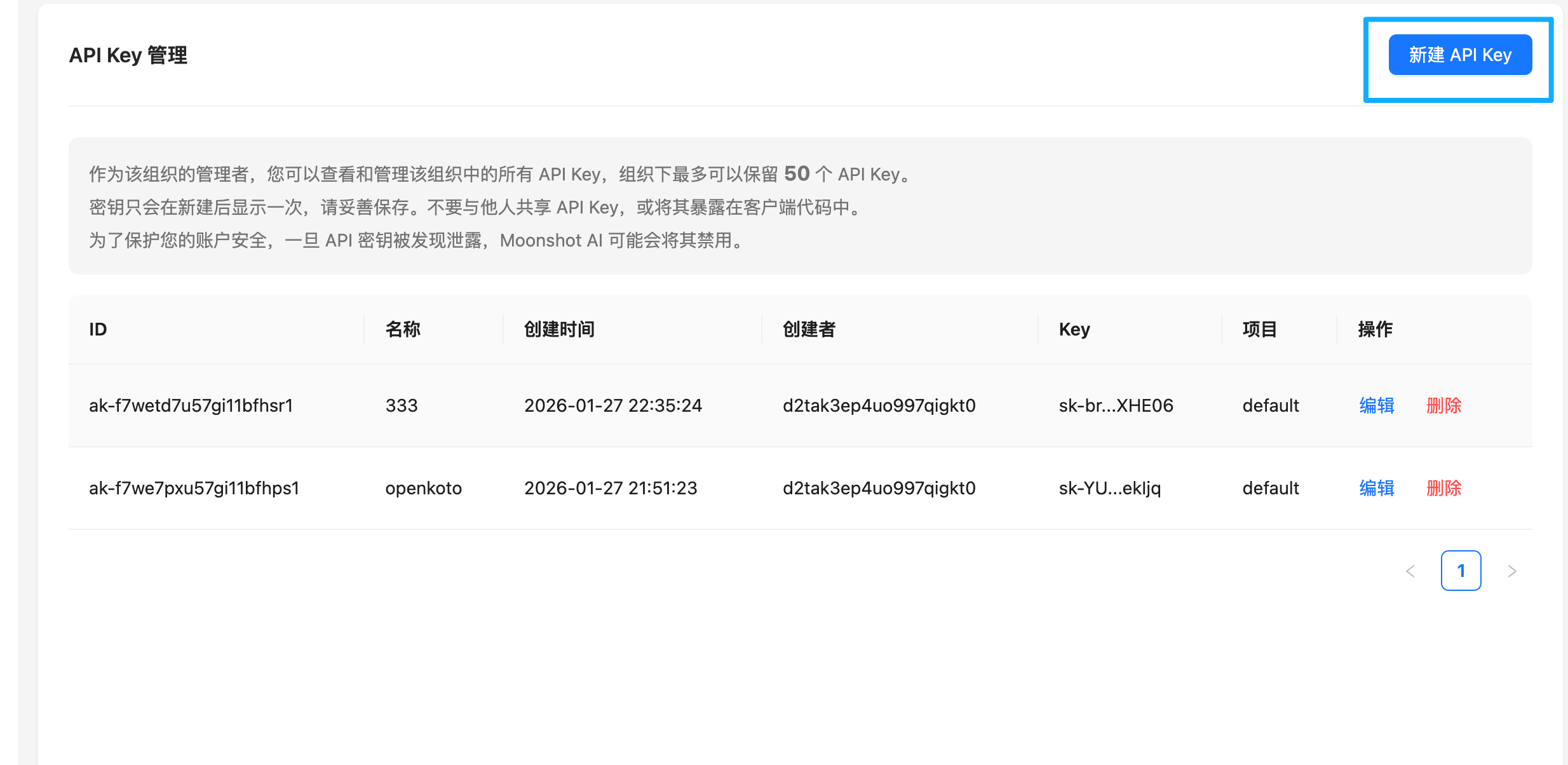
Step 4: Create an API Key
Go to the API Keys section and click on "Create New Key" to generate your API key.
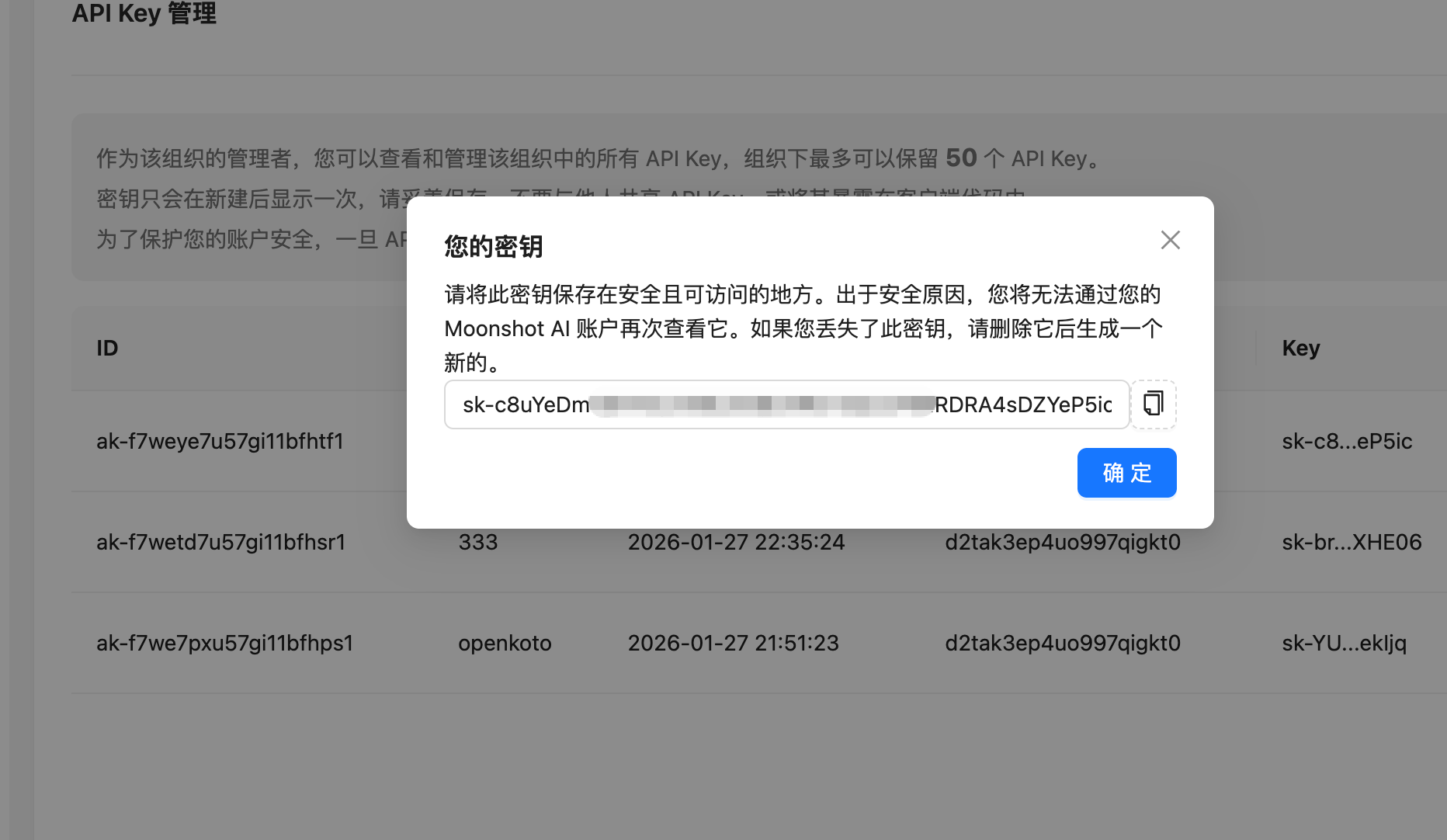
Step 5: Copy Your Key
Once generated, copy the API key. Make sure to store it securely as it won't be shown again.
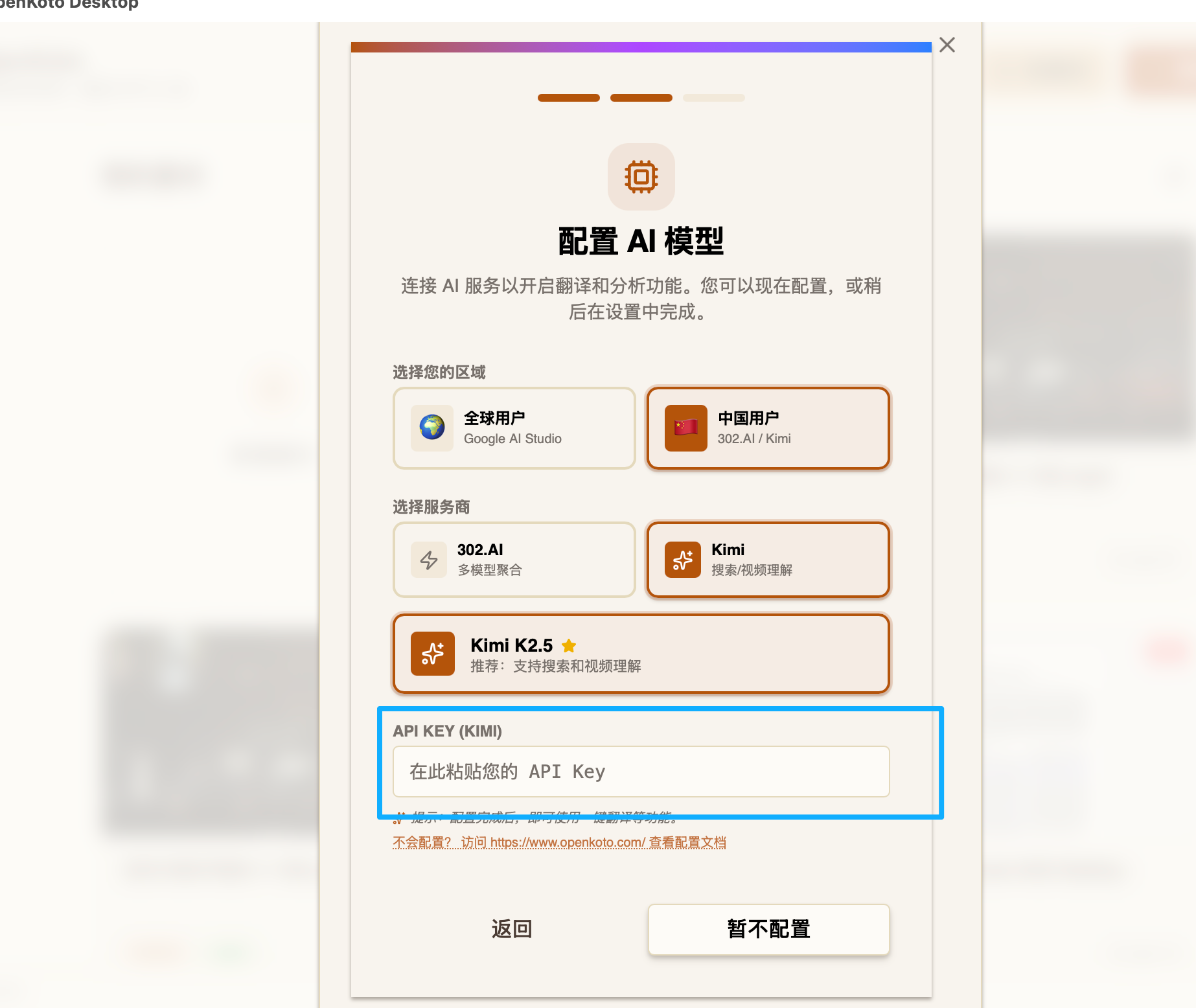
Step 6: Configure in OpenKoto
Open OpenKoto, navigate to Settings > Model Provider, and select Moonshot. Paste your API key.
Model Recommendations
Kimi K2.5
- Best for: Complex reasoning, coding tasks, and multi-turn conversations.
- Use cases: Code generation, problem solving, document analysis, and creative writing.
- Features: 128K context window, excellent at following complex instructions.